En què consisteix?
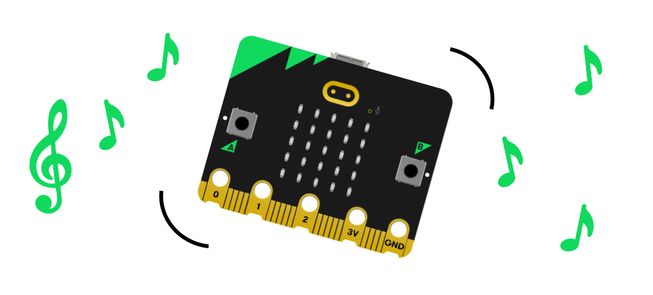
Sacseja la teva micro:bit per escoltar un so alegre. Aquest projecte és ideal per a estudiants que s'inicien a la micro:bit ja que només usa dos blocs.
Com funciona
- La teva micro:bit conté un acceleròmetre que detecta moviments.
- Quan l'acceleròmetre detecta el gest de sacseig, el programa insta a la micro:bit a tocar un so.
- Input ens permet introduir dades a un ordinador o dispositiu. En aquest projecte, l'input és el gest de sacseig.
- Un output és la informació processada que s'envia des d'un ordinador. En aquest projecte, l'output és la música que sona des de l'altaveu de la micro:bit.
Què necessites
- Una micro:bit
- Editor de MakeCode
- Piles
- altaveu opcional i clips de cocodril si estàs utilitzant una micro:bit V1
Codifica el teu projecte
Aquí tens els blocs necessaris per fer el projecte - ara posa'ls junts.
Step-by-step instructions
- Open the project to find the blocks you need using the buttons above.
- Find and select the play melody block.
- Put the play melody block inside the on shake block.
- Download the program to your micro:bit, attach a battery pack, and try it out!
Make it your own
- Try different tunes... Open the melody editor within the play melody block. Select the Gallery tab and choose a different pre-written tune to play. Which is your favourite?
- Play the tune faster or slower... Adjust the bpm (beats per minute) option inside the play melody block to a smaller number to play the tune more slowly. Or add a higher number to make the tune play more quickly. You can choose numbers from 40 to 500, either by using the sliding scale or typing them in.
Example of a completed project
També et pot agradar

Play happy and sad sounds using buttons.
Protect your cookies with an audible alarm.

Send a duck between two micro:bits and hear it say hello!
This content is published under a Creative Commons Attribution-ShareAlike 4.0 International (CC BY-SA 4.0) licence.