Wat is het?
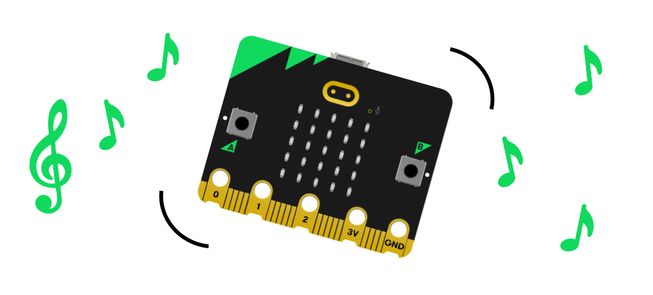
Schud je micro:bit om een vrolijke deuntje te horen. Dit project is ideaal voor studenten met een nieuwe micro:bit omdat het slechts twee blokken gebruikt.
Zo werkt het
- Je micro:bit bevat een versnellingsmeter die bewegingen detecteert.
- Wanneer de versnellingsmeter een schuddend gebaar detecteert, geeft het programma de micro:bit instructies om een deuntje af te spelen.
- Inputs toestaan dat we gegevens op een computer of apparaat plaatsen. In dit project is de invoer het schudden gebaar.
- Een output is de verwerkte informatie die vanaf een computer wordt verstuurd. In dit project is de uitvoer de muziek die wordt gespeeld van de micro:bit’s luidspreker.
Benodigdheden
- een micro:bit
- MakeCode editor
- batterij pakket
- optionele luidspreker en krokodillen clips als je een micro:bit V1 gebruikt
Programmeer je project
Hier zijn de blokken die je nodig hebt om het project te maken - zet ze nu samen.
Stap-voor-stap instructies
- Open het project om de blokken te vinden die je nodig hebt met de knoppen hierboven.
- Vind en selecteer de speel melodie blok.
- Put the play melody block inside the on shake block.
- Download the program to your micro:bit, attach a battery pack, and try it out!
Make it your own
- Try different tunes... Open the melody editor within the play melody block. Select the Gallery tab and choose a different pre-written tune to play. Which is your favourite?
- Play the tune faster or slower... Adjust the bpm (beats per minute) option inside the play melody block to a smaller number to play the tune more slowly. Or add a higher number to make the tune play more quickly. You can choose numbers from 40 to 500, either by using the sliding scale or typing them in.
Example of a completed project
Misschien vindt u dit ook leuk

Play happy and sad sounds using buttons.
Protect your cookies with an audible alarm.

Send a duck between two micro:bits and hear it say hello!
This content is published under a Creative Commons Attribution-ShareAlike 4.0 International (CC BY-SA 4.0) licence.