Introducing new sign language terms for ‘micro:bit’ and ‘MakeCode’
To celebrate International Week of Deaf People, we’re sharing new sign language videos, practical guidance and a webinar to help educators support students who are deaf and hard of hearing to learn with the micro:bit.
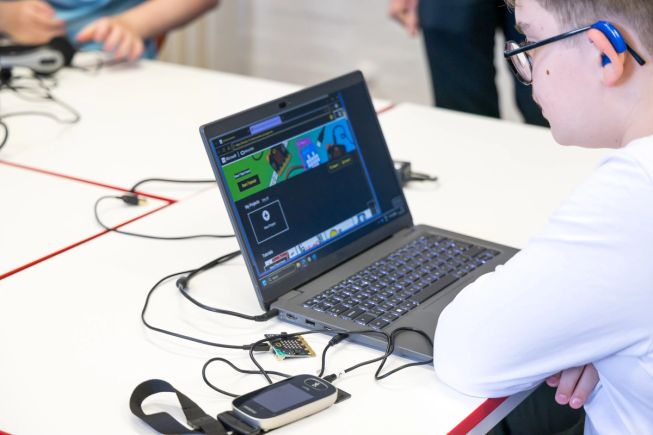
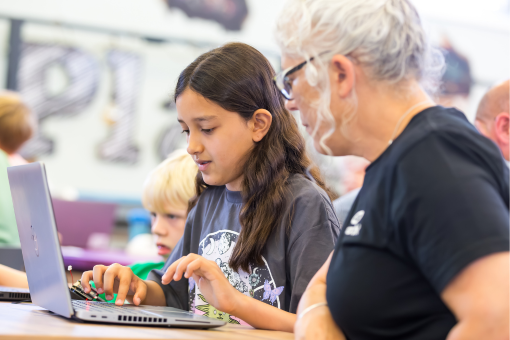
A student uses assistive hearing technology while coding with the micro:bit in Microsoft MakeCode.
How do you say ‘micro:bit’ in sign language? Thanks to our partners Deaf Kids Code and the Scottish Sensory Centre, there are now signs for both ‘micro:bit’ and ‘MakeCode’ in American Sign Language (ASL) and British Sign Language (BSL). We’re introducing them to mark International Week of Deaf People, from 21 to 27 September 2026.
Why sign language matters in computing
Learning to code means discovering new concepts and the vocabulary to describe them. For young people who are deaf or hard of hearing and consider sign language their native language, having signs for what they are learning about is particularly important.
Computing and computer science introduce many unfamiliar terms and acronyms. Access to subject-specific signs provides clarity for teachers and learners, helping young people express their ideas and demonstrate their understanding. Where no sign exists, finger spelling - using hand shapes to represent individual letters of the alphabet - can be used to spell out a word or term.
A lack of available signs can create barriers to learning, putting students who are deaf or hard of hearing at risk of falling behind. Subject-specific vocabulary also matters beyond the classroom, supporting clear communication in the workplace. Barriers to learning and using this vocabulary can therefore affect both educational and professional opportunities, contributing to underrepresentation in the wider digital economy.
Meet the people behind the new signs
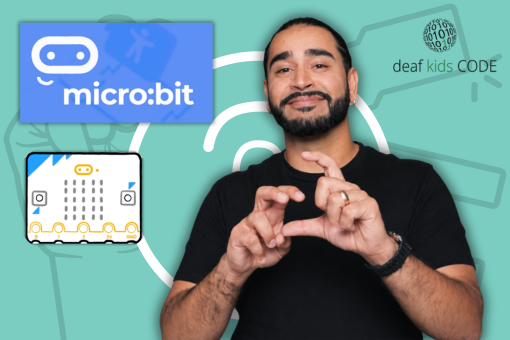
Some signs evolve naturally in the deaf and hard of hearing community. Signs for technical terms, such as ‘micro:bit’ and ‘MakeCode’, are often developed by sign language linguists and subject specialists who are native sign language users, then shared through glossaries.
We have partnered with Deaf Kids Code (DKC), who specialise in American Sign Language and coding for young people. As recipients of the Blockly Accessibility Fund, DKC has created the Blockly ASL Glossary, which now includes signs for ‘micro:bit’ and ‘MakeCode’.
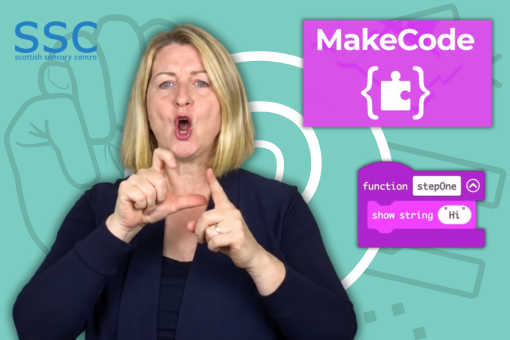
Our British Sign Language partners at the Scottish Sensory Centre (SSC) have also developed signs for ‘micro:bit’ and 'MakeCode’ both terms. These feature in their Computing Science glossary, part of the British Sign Language Glossaries of Curriculum Terms. SSC also provide signed context for micro:bit action and MakeCode advanced language.
Dr Emma Posey, Project Manager for Accessibility at the Foundation, joined the SSC panel as an observer as they developed the signs:
There was such depth to the conversation around identifying the signs. The micro:bit is iconic — it’s a noun! After careful consideration, the BSL panel felt the ASL sign worked well and agreed that adopting it for BSL was the right approach.
Creating a sign for MakeCode required deeper exploration, particularly because it supports both block-based and text-based coding. The new BSL sign can be modified to reflect either.
Huge respect and gratitude to the panellists, who brought such a diverse range of expertise and lived experience to the roundtable.
Dr Emma Posey, Project Manager for Accessibility at the Micro:bit Educational Foundation


Practical support for your learners
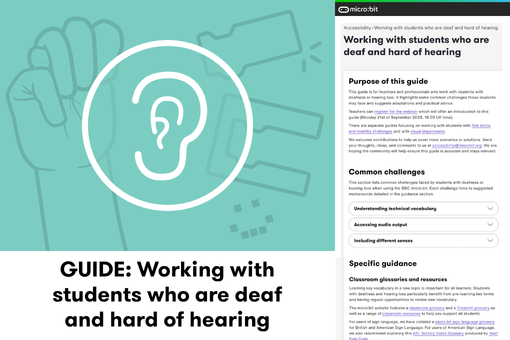
Alongside the new signs, our Working with students who are deaf and hard of hearing guide offers practical support for teachers, parents, support workers and professionals who work with students with deafness or hearing loss.
The guide explores common challenges students may face when learning to code and use the micro:bit, with suggested adaptations and advice. From introducing technical vocabulary to exploring visual and tactile outputs, it offers ways to adapt activities to your learners’ needs.
Explore the guide in ASL and BSL
We have also worked with Signly to create American Sign Language and British Sign Language versions of the guide.
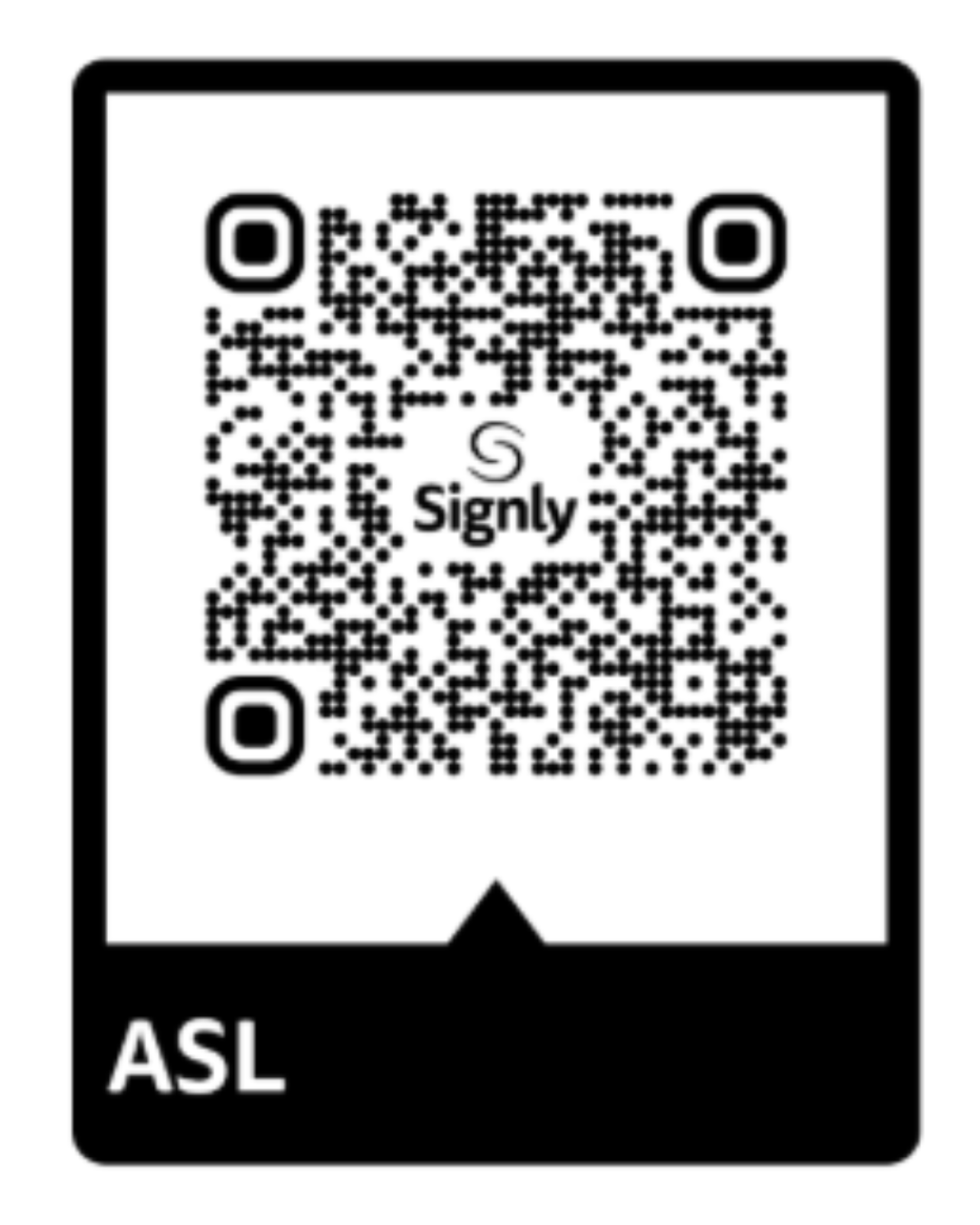
Scan the relevant QR code below to get started. Once Signly is open, swipe or hover over the sentence or paragraph you would like translated, then press the right-hand arrow to play the related video translation. If you cannot see the arrow, minimise the video.
ASL version of the guide
BSL version of the guide
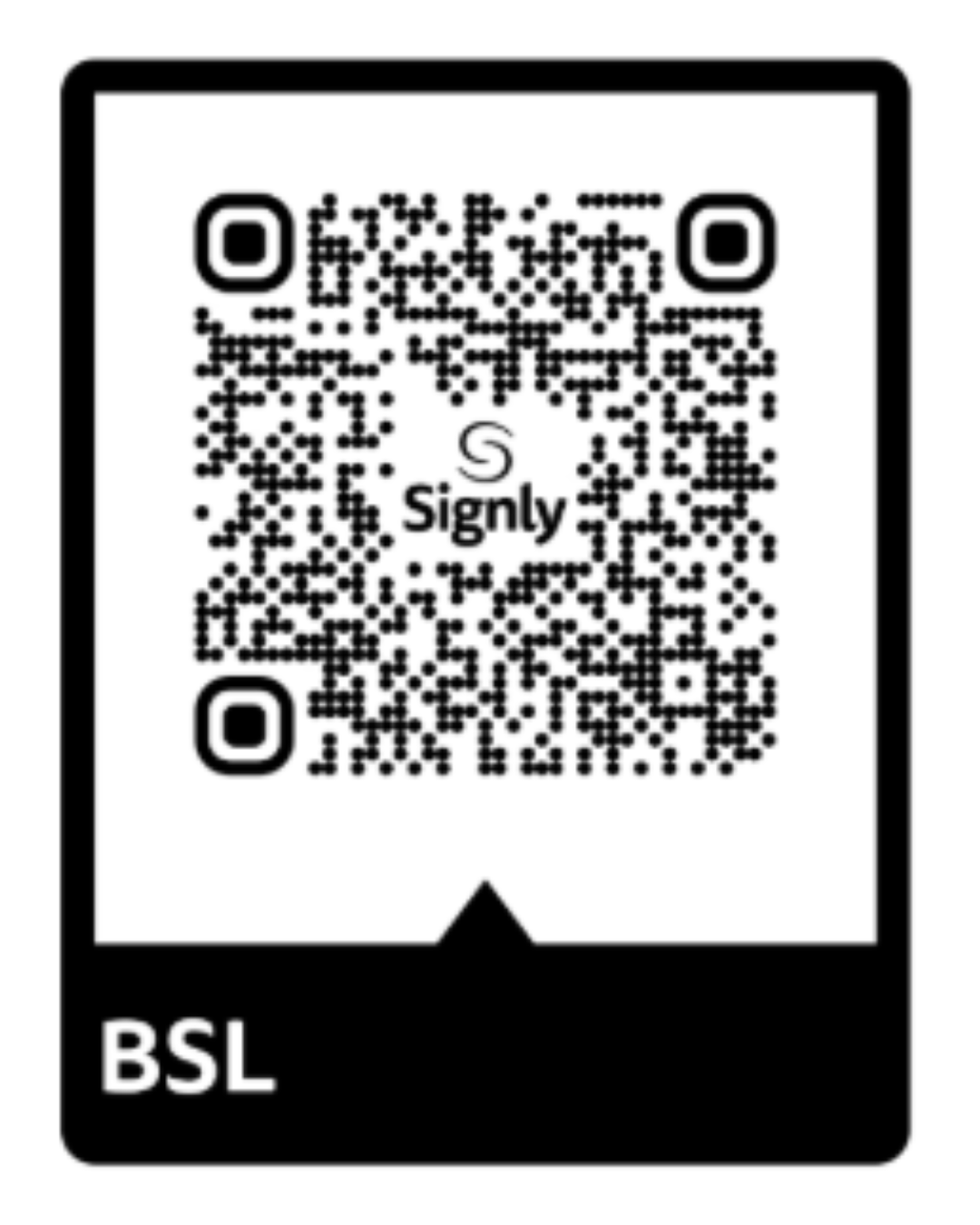
On a desktop computer, use these links to access the guide in American Sign Language or British Sign Language.
Learn more about supporting students
Want to explore how you can use this guidance with your students? View the webinar recording Supporting students who are deaf and hard of hearing to learn with the micro:bit. For sign language interpretation of the webinar, click on the globe icon on the control bar of the video and select "American" (ASL) or "British" (BSL).
Accessibility consultant Kirsty McNaught and Shireen Hafeez, founder of Deaf Kids Code in the USA, introduce the guide, explore common challenges students encounter and share practical advice.
We also celebrate the new ASL and BSL signs for ‘micro:bit’ and ‘MakeCode’, with representatives from the Scottish Sensory Centre attending.
Help us grow our sign language glossary
The new signs are part of a growing collection. We continue to add computing terms to the Foundation’s sign language glossary, covering programming and computational thinking concepts.
Can you help us identify signs for any of these terms?
- ASL: abstraction, pattern recognition and selection.
- BSL: abstraction, decomposition and pattern recognition.
Email your suggestions to accessibility@microbit.org
Making learning with the micro:bit more accessible
We continue to work with specialists to make our products and resources more accessible, helping more young people explore, create and learn with the micro:bit.
For further practical advice, explore our guides on working with students with fine motor and mobility challenges and with visual impairments.
Your experience can help us improve our accessibility guidance. Are there other scenarios or solutions you’d like us to include? Share your thoughts and suggestions at accessibility@microbit.org to help keep our guides accurate, relevant and useful.